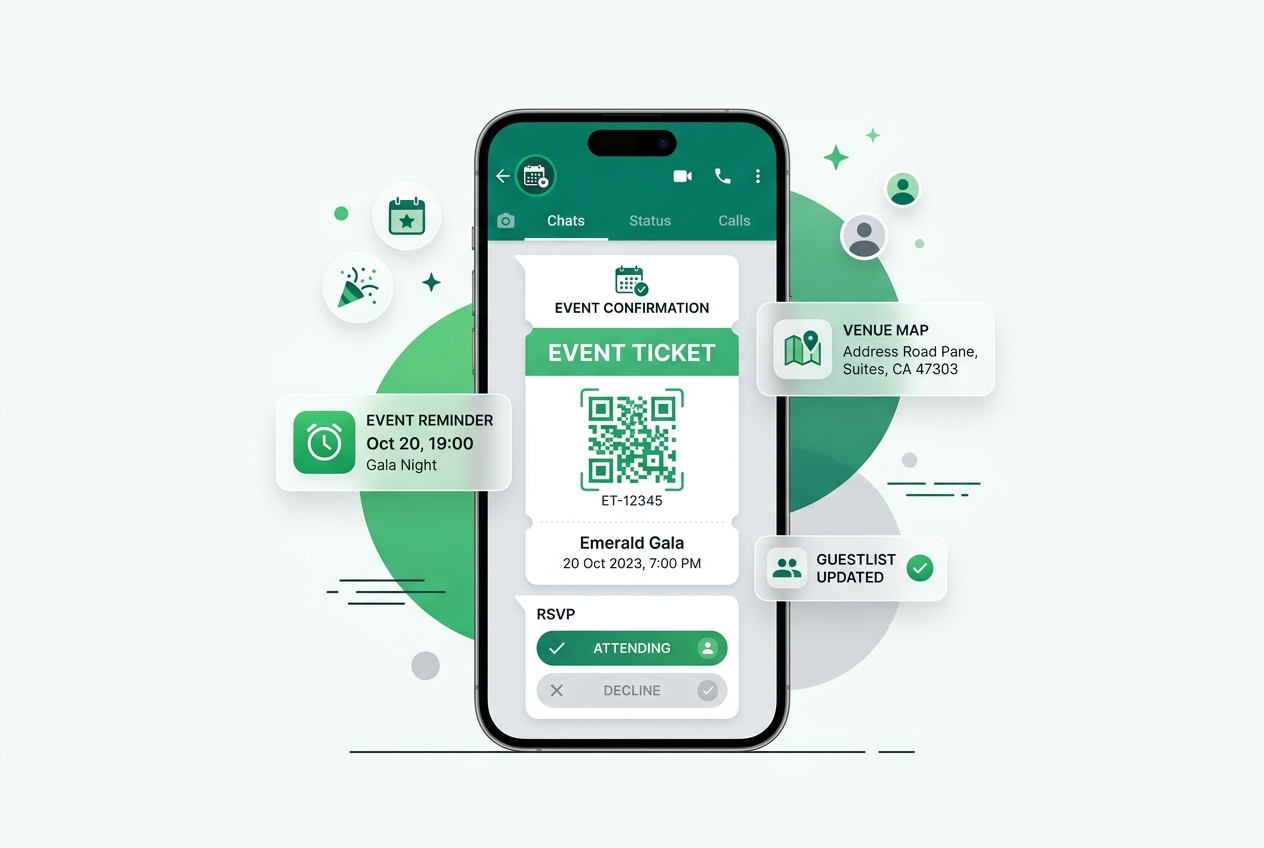
In the organisation of any event, there are a lot of things to do, like guest list management, coordination with vendors, booking of tickets and much more in one go. Emails are usually not taken care of and making calls wastes too much time, as standard apps do not cater to the requirements of organising events at the last minute. WhatsApp for event management would give the organisers the advantage of an instant direct line of communication.
For organising conferences, parties, music concerts and much more, WhatsApp has proved itself to be essential.
Why WhatsApp Is So Effective in Event Planning

Events are time-sensitive by nature, and any delay in communication might cause some trouble – missed updates about venue changes, unanswered questions of vendors and guests who didn't receive their confirmations. WhatsApp addresses all of these pain points because it is:
- Instantaneous – most messages are read within several minutes.
- Familiar – most guests use it on a regular basis, so no additional training is required.
- Rich in format – allows sending images, PDF files, location pins, audio notes and video.
- Two-sided – guests, vendors and other employees can answer and provide feedback directly.
This translates into fewer people showing up unannounced, faster response from vendors and smooth event management.
Key Applications for WhatsApp in Event Planning
1. Inviting Guests and Getting RSVP
Rather than leaving it to chance that the invitees may check their emails which will be deleted, organisers could use WhatsApp to send messages to invite the guests with RSVP details.
2. Ticketing and Confirmations
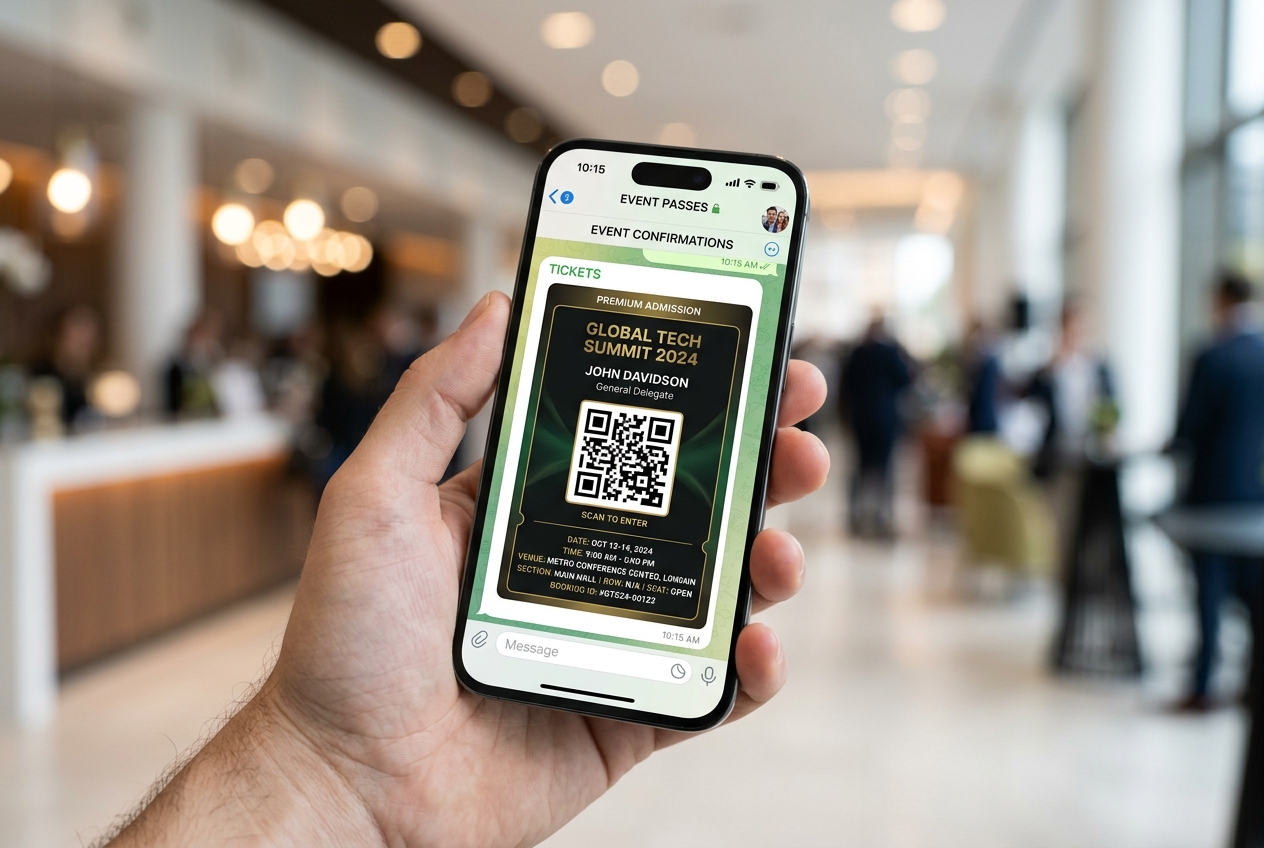
WhatsApp can be used to deliver digital tickets, QR codes, and payment confirmations directly to attendees' phones — reducing dependency on printed tickets or easily-missed emails.
3. In-the-Moment Notifications About Any Changes in the Event
It does not matter whether it is a change in schedule, location change, or any delays caused due to weather issues; with the help of broadcast lists, organisers can make sure that every attendee is notified right away.
4. Coordination with Vendors and Other Staff Members
The management of catering service providers, decorators, security people, and volunteer coordinators is made much easier by using WhatsApp groups for all those communications.
5. Attendee Support via Dedicated WhatsApp Line
With a dedicated WhatsApp support line, attendees can clarify their queries regarding parking arrangements, attire, or any other thing related to the event.
6. Follow-up After the Event
After the event concludes, WhatsApp is an excellent way to send thank-you messages, event highlights, feedback forms, or even some exclusive content for the guests.
Step-by-Step Guide: Getting WhatsApp Setup for Your Event
Step 1: Create Your WhatsApp Business Profile
Setup a verified business profile that includes the name of your event and its logo along with other details which will allow people to recognize your messages right away.
Step 2: Segment Your Attendees into Lists
Group your audience into various groups such as VIPs, regular guests, sponsors, and speakers among others to avoid overwhelming them with generic messages.
Step 3: Utilize Pre-Approved Message Templates
Message templates enable you to save time while sending similar messages such as confirmation, reminder, or update messages.
Step 4: Use Chatbots to Respond to Messages Automatically
Use chatbots to automatically respond to frequently asked questions such as directions to your location or the schedule of the event.
Step 5: Actively Monitor and Respond to Messages Right Away
Assign someone from your team to actively monitor and respond to messages right away, particularly those coming during your event.
Best Practices for Event Organisers
- Avoid message overload — space out updates so attendees don't mute or ignore your broadcasts.
- Personalise where possible — using names and relevant details increases engagement and trust.
- Keep a clear opt-in process — always get consent before adding guests to broadcast lists.
- Test your workflows before the event — confirm ticket links, QR codes, and automated replies work correctly ahead of time.
- Have a backup communication plan — for large-scale events, don't rely on a single channel alone.
Why This Matters More Than Ever in 2026
Customers' requirements for fast and conversational communication changed forever. Companies that consider WhatsApp only as a channel for broadcasting lose the opportunity to benefit from its true potential. Businesses that invest in structured and properly-managed strategies for building relations via WhatsApp see the tangible results.
Final Thoughts
This application has completely revolutionised the way events are organised, marketed, and managed, thus making it easy for everyone involved in the process to communicate seamlessly. With more and more guests demanding immediate communication through conversation, organisers of events can get a definite edge if they adopt this app early on.
If you are an organiser and wish to create a structured WhatsApp workflow process, there is no need to do all that work alone. Converse 360 works with event organisers to design WhatsApp communication strategies — from RSVPs to real-time updates — that keep every event running on time and every attendee genuinely engaged.